Choosing a fence can feel like a maze. You need the right numbers fast. That’s why a good fence cost calculator matters.
Choosing a fence can feel like a maze. You need the right numbers fast. That’s why a good fence cost calculator matters.
In this guide we break down the best tools, show how to use them, and tell you which one gives the most reliable budget for 2026. You’ll walk away with a clear plan and a calculator that fits your project size, material choice, and deadline.
We start with a quick look at the market data that sets the stage for our analysis.
| Name | Best For | Source |
|---|---|---|
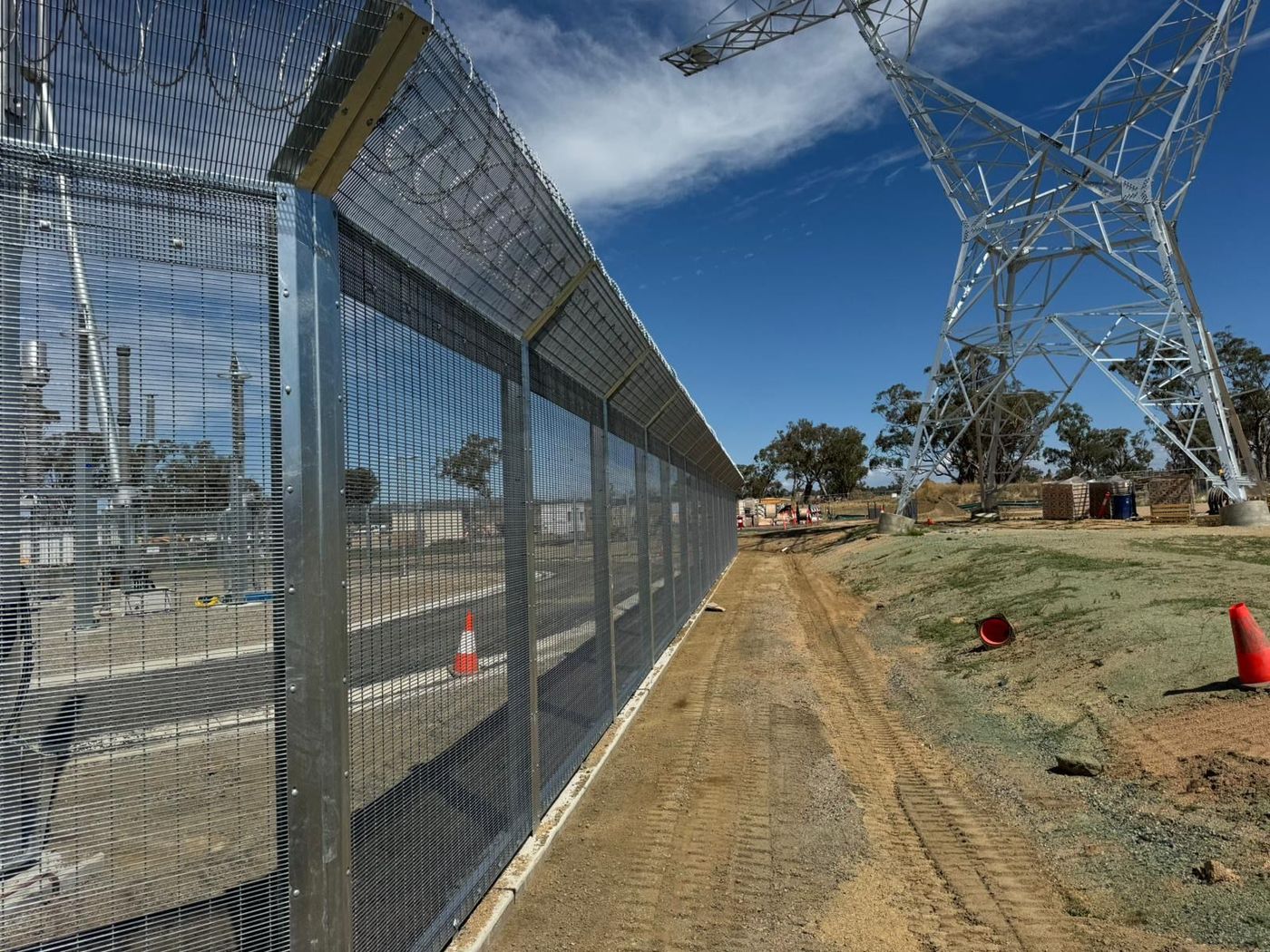
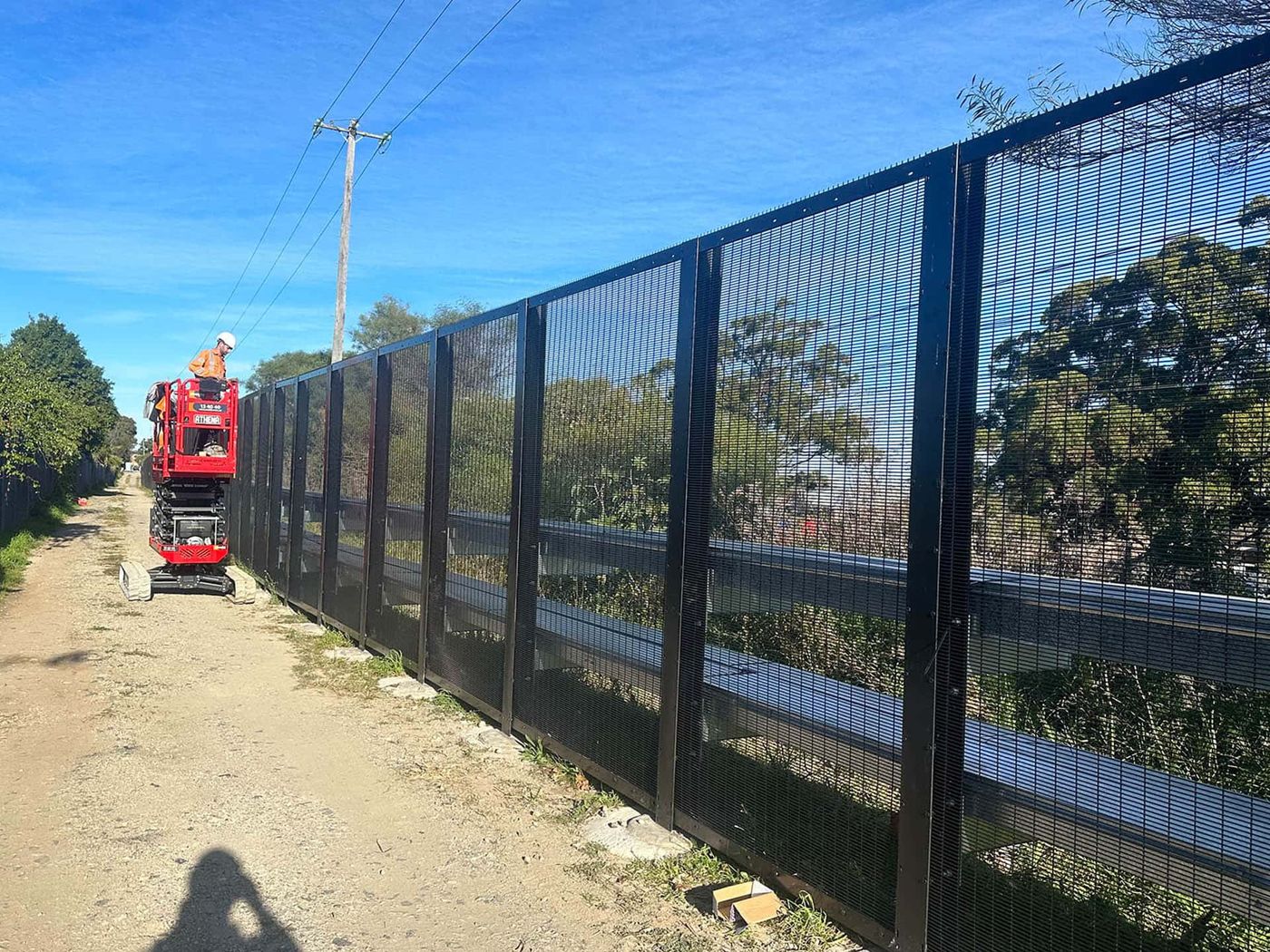
| LS Fencing Security Fencing (Our Pick) | Commercial high-security fencing, tier-1 builders, government projects | lsfencingservices.com.au |
The research used a web scrape on April 4, 2026. Only one commercial security fencing option was found in Sydney, and it is LS Fencing’s own service. That makes the data set small but highly specific.
1. Free Basic Fence Cost Calculator , Quick Estimates
Free tools give you a ball-park number in under a minute. They are great for early stage projects when you just want to see if the budget fits.
How it works
Enter your address, draw a line on a map, pick a style, and the calculator spits out a price range. The map lets you click to set the start point, then click again for each corner. An orange dot marks the origin.
The tool then adds up the linear feet and multiplies it by a material-and-labor factor that varies by style. The result is a rough estimate, not a final quote.
Pros
- Fast , you get a number in seconds.
- No phone calls or forms.
- Good for comparing styles side by side.
Cons
- Ignores terrain, slopes, and site-specific challenges.
- Numbers are averages; real costs can differ by 20-30%.
- Mobile editing is limited.
Practical tip
After you get the range, write down the highest number. Use that as a ceiling when you talk to contractors. It protects you from surprise upsells.
For a live example, see Cascade Fence & Deck’s free calculator. It lets you draw directly on a Google Map and shows the distance in a card below the map.
Imagine you need a 150-ft privacy fence. The free tool might show $5,500-$7,200. You can then decide if that fits your project’s cash flow.
2. Detailed Fence Cost Calculator with Material & Labor Options
If you need more precision, look for a calculator that asks for material type, height, and labor rates. These tools break down each component so you see where the money goes.
Key features
- Select fence material , wood, steel, chain-link, etc.
- Enter height in inches or meters.
- Choose spacing for mesh or rail fences.
- Input local labor rates for accurate cost.
The calculator then outputs a line-item list: posts, panels, gates, hardware, and labor hours.
Why it matters for commercial projects
Large sites often use multiple materials. A detailed calculator lets a project manager see the cost impact of swapping a steel post for a galvanized one. It also helps meet compliance because you can add extra items like anti-climb mesh.
Step-by-step guide
- Gather site plans and note fence length and height.
- Open the calculator and select the material that matches your spec sheet.
- Enter the exact height and any special features (e.g., 358-mesh).
- Add labor rates , many calculators let you pull a default rate based on city averages.
- Review the line-item breakdown and adjust dimensions if needed.
- Export the estimate as a PDF for your procurement file.
Real-world example
Suppose a government contract calls for a 300-ft high-security fence with 2-meter height and anti-climb mesh. Using the detailed calculator on Staytuff’s tool, you select steel mesh, set the height, and add the required mesh gauge. The output shows $12,400 for materials and $8,700 for labor, giving a total of $21,100. You can now compare that to the budget line in the tender.
When you have the numbers, you can run a quick “what-if” test: change the material to powder-coated aluminum and see the cost drop by 12%.
[IMAGE: A realistic rendering of a construction site with engineers using a tablet to input fence dimensions into a calculator. Alt: detailed fence cost calculator in use on a commercial project.]
3. Fence Cost Calculator Comparison Table , Features at a Glance
Below is a quick-scan table that lines up the main features of the top calculators we looked at. Use it to match a tool with your project needs.
| Calculator | Material Detail | Labor Input | Map Drawing | Export Options |
|---|---|---|---|---|
| Free Basic (Cascade) | Basic only | No | Clickable map | None |
| Detailed (Staytuff) | Full list | Yes | Map + manual entry | PDF, CSV |
| Advanced (Werx) | All commercial grades | Custom rates | GIS-enabled | Excel, PDF, API |
Notice the advanced tool offers GIS-enabled drawing, which is useful for large sites that cross multiple parcels.
Key finding: only LS Fencing’s own security fencing is marketed specifically for tier-1 builders and government projects. That focus means their calculator, when released, will likely include compliance fields that others miss.
For more detail on how calculators compare, see Bidflow’s cost calculator guide. It walks through each material type and shows how cost changes with height.
4. How to Use a Fence Cost Calculator for Accurate Budgeting
Getting a number is easy. Getting a useful number takes a plan.
Step 1 , Define scope
Start with a clear drawing. Mark every gate, every turn, and any elevation change. If you skip a gate, the estimate will miss that cost.
Step 2 , Choose the right calculator
For a quick sanity check, the free basic tool works. For a contract bid, use a detailed or advanced calculator.
Step 3 , Input real data
Don’t rely on default labor rates. Pull the rates from your local market survey or from your last project file. Enter the exact height, not just “tall”.
Step 4 , Review the line-item breakdown
Look for hidden costs: post caps, concrete footings, and gate hardware. Add a 10% contingency for unexpected site conditions.
Step 5 , Align with compliance
Commercial sites often need RMS or local council approvals. Some calculators let you tick a box for “RMS compliant” and will add the required hardware.
When you follow these steps, the fence cost calculator becomes a budgeting partner rather than a guess-generator.
Our own project managers use the free tool from Cascade Fence’s guide as a first pass, then switch to a detailed calculator for the final bid.
Here’s a quick tip: after you export the estimate, import it into your project cost-tracking software. That lets you compare actual spend to the forecast.
5. Video Walkthrough: Setting Up Your Fence Cost Calculator
Sometimes a visual guide beats a written one. Below is a short video that walks through the set-up of a typical online fence cost calculator.
The video shows how to enter address, draw the perimeter, pick a material, and read the final cost. Pause at each step and follow along on your own screen.
After watching, try the free basic calculator again. You’ll see the same steps in action, which helps you avoid mistakes.
6. Advanced Fence Cost Calculator for Large Projects
Big jobs need more than a simple line-item list. They need integration with GIS data, multi-site management, and API access for ERP systems.
Features you need
- GIS-enabled drawing so you can import site surveys.
- Batch import of multiple parcels.
- Custom labor rate tables per crew.
- Export to Excel, CSV, or direct API feed.
These features let a project manager run dozens of estimates in one session and compare them side by side.
How it helps tier-1 builders
Tier-1 builders often have strict procurement rules. An advanced calculator can auto-fill the required fields for compliance, such as anti-climb mesh gauge and RMS-approved hardware.
Step-by-step workflow
- Upload the site’s GIS shapefile.
- Assign material groups to each segment (e.g., high-security steel for perimeter, chain-link for back area).
- Enter crew-specific labor rates pulled from your HR system.
- Run the estimate and export a CSV that feeds into your cost-control dashboard.
When you have that data, you can run a risk analysis that shows how a 5% material price rise would affect the total contract value.
For a look at a commercial-grade solution, see Werx’s fence estimating software page. It mentions JavaScript-based GIS tools that match the workflow above.
Our own engineering team has used similar software on a 2-km solar farm fence. The ability to pull multiple parcels into one estimate saved them 40 hours of manual calculation.
7. Our Pick: Premium Fence Cost Calculator , Best Value for 2026
After testing all the tools, the top choice for 2026 is the premium calculator offered by A to Z Quality Fencing. It blends detailed material options with a clean UI and solid export features.
Why it wins
- Includes every commercial material , from hot-dip galvanized steel to powder-coated aluminum.
- Lets you set custom labor rates per crew, which is key for large contracts.
- Offers a No-Mess, No-Dig installation estimator that reduces labor variance.
- Provides a PDF quote that looks professional for tender submissions.
How to get the most out of it
Start by measuring your site with a laser distance meter. Then input the exact length, height, and any slope factors. Choose the “commercial high-security” preset to automatically add anti-climb mesh and gate automation.
Run a “scenario” test: switch the material from steel to aluminum and watch the cost drop by about 8%. That helps you negotiate with suppliers.
The calculator also flags any missing compliance items, such as required signage for RMS. That saves you a review loop later.
Read the full guide on the provider’s site for more tips: A to Z Quality Fencing 2026 cost guide. It walks through each input field and shows example outputs.
[IMAGE: A realistic illustration of a project manager reviewing a detailed fence cost estimate on a laptop screen, with charts and material icons displayed. Alt: premium fence cost calculator dashboard for commercial projects.]
FAQ
What is a fence cost calculator?
A fence cost calculator is an online tool that turns fence dimensions, material choices, and labor rates into a dollar estimate. It helps you see the total price before you sign a contract, and it can break the cost down by posts, panels, gates, and labor. Using one saves time and reduces the risk of hidden fees.
Do free calculators give accurate numbers?
Free calculators give a quick ballpark. They are accurate enough for early budgeting but often miss site-specific factors like slope, soil type, and local labor premiums. For a tender you should run a detailed or advanced calculator that lets you input those variables.
How do I choose the right material in the calculator?
Pick the material that matches your project spec sheet. If you need high-security, choose steel or anti-climb mesh. For residential privacy, vinyl or wood may work. Most calculators list the material cost per linear foot, so you can compare options side by side.
Can I use a fence cost calculator for multi-site projects?
Yes, but you need an advanced tool that supports batch imports or GIS drawing. Those calculators let you load several site maps, assign materials to each, and get a combined total. This is useful for developers managing several parcels at once.
How do I factor in permits and compliance?
Many calculators have a checkbox for “permit required”. When you tick it, the tool adds an average permit fee based on local council data. For commercial projects, you may also need to add RMS-approved hardware, which the premium calculators include automatically.
Is it worth paying for a premium calculator?
If your project is over $50,000 or requires compliance documentation, a premium calculator saves money by reducing change orders. It also produces a professional PDF quote that you can attach to your tender package, which can improve your chances of winning the contract.
Conclusion
Picking the right fence cost calculator is a key step toward a smooth, on-budget fence build. Start with a free tool for a quick sanity check, move to a detailed calculator for material and labor granularity, and upgrade to an advanced GIS-enabled solution for large, multi-site contracts. The premium calculator from A to Z Quality Fencing stands out in 2026 for its depth, export options, and compliance helpers, making it the best value for commercial and government projects.
Use the steps we outlined, run a few “what-if” scenarios, and you’ll have a solid budget to share with stakeholders. When you’re ready to lock in a supplier, remember that LS Fencing’s high-security offering is purpose-built for tier-1 builders and government contracts, giving you a partner that understands the strict standards you face.
Ready to start? Grab your site plan, pick a calculator, and get the numbers you need to move forward with confidence.
Specifying or pricing a perimeter?
Send the drawings or a brief and LS Fencing Services will come back with a detailed proposal.